
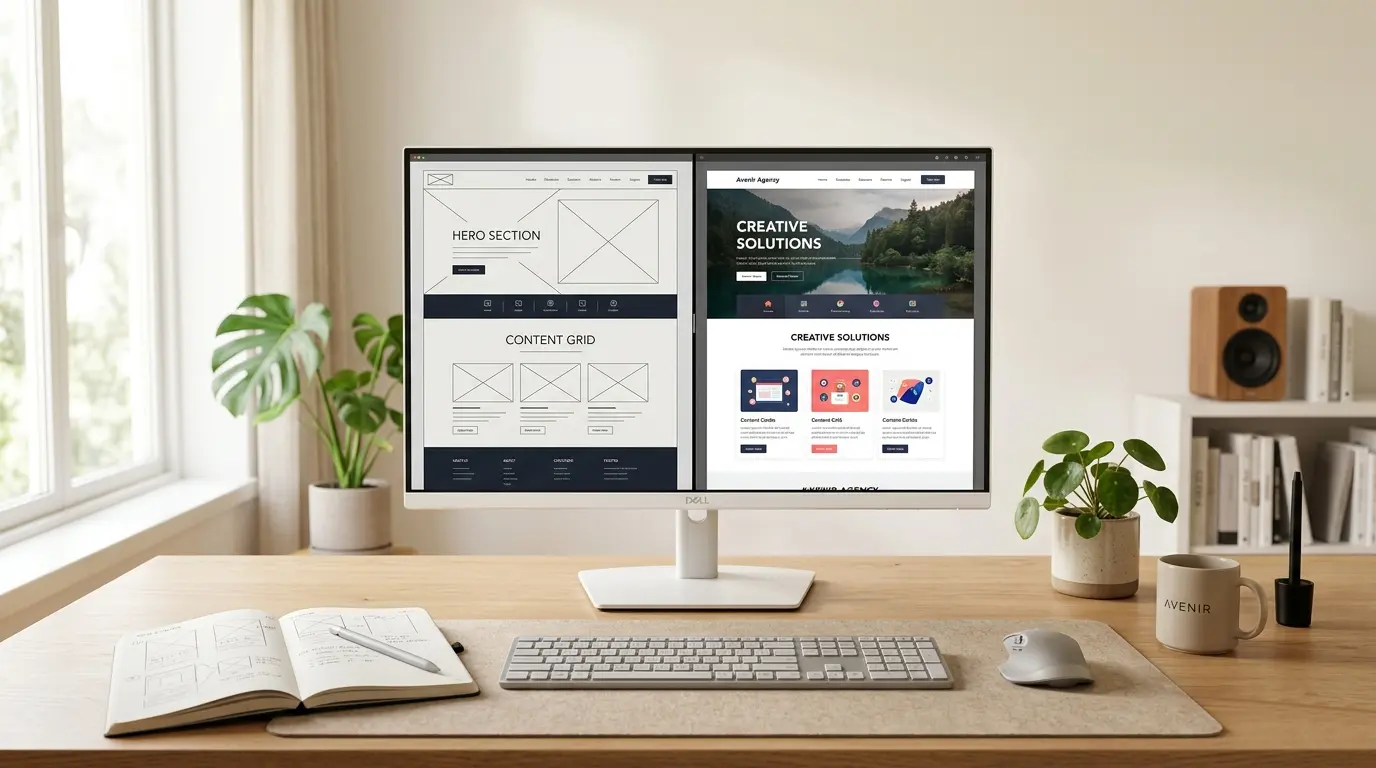
Functional Design Always Wins Over Aesthetics

Ask most people what good design looks like, and they'll describe something visual. A colour palette that works. A layout that feels modern. Typography that's been chosen with care. And none of that is wrong — but it's also not the whole picture. The design world has a habit of celebrating how things look. Dribbble shots. Behance portfolios. Award galleries full of websites that are genuinely stunning. But scroll through the comments and you'll rarely find anyone asking: *did this actually work for the people using it?* Because here's the thing — a design can look incredible and still fail completely. And a design that functions exactly right will almost always look good, even if no one can explain why.
What Makes Something "Look Good" Anyway?
Before we make the case for function, let's talk about aesthetics honestly.
When you look at a design and think that feels right, what you're usually responding to is hierarchy, spacing, contrast, and consistency — all of which are functional principles. Whitespace feels calm because it reduces visual noise. Strong hierarchy feels organised because it tells your eye where to go. Good contrast feels sharp because it makes things readable.
There's no clean line between "looks good" and "works well." The best-looking designs look good because they work. The principles driving functionality are the same ones producing the aesthetic. They're not competing — but when designers treat them as separate, and prioritise the visual over the functional, that's when things go wrong.
When Aesthetics Win, Users Lose
Here are three patterns that show up constantly in the wild.
The beautiful, unreadable website. Light grey text on a white background. A thin font weight at a small size. It photographs beautifully. It's genuinely difficult to read for a large portion of the audience — especially on a bright screen or a mobile device in sunlight. The design won the visual argument. The users left before finishing the page.
The clever navigation nobody uses. A brand opts for a non-standard menu — icon-only, hidden behind a gesture, or structured in a way that felt creative in the design phase. Users have spent years training their instincts on how navigation should work. When a design breaks those habits without a compelling reason, users don't figure it out. They go somewhere else.
The homepage that says everything and communicates nothing. Six sections. Four CTAs. A hero, a product grid, testimonials, a blog preview, a promo banner, and a newsletter popup. Each individual element was designed well. Together, they create noise. The user doesn't know where to start, so they don't start anywhere.
In each case, the aesthetic choices won the internal argument. And in each case, the user experience suffered for it.
Cognitive Load Is the Real Metric
There's a concept in UX called cognitive load — the mental effort a user has to spend just to understand and navigate what's in front of them. The higher it is, the harder the experience feels. And a hard experience loses people.
What makes this tricky is that users rarely say "this has high cognitive load." They just say the site felt confusing, or they couldn't find what they needed, or they gave up. The frustration is real but the diagnosis stays vague.
Functional design solves this directly. Every decision — where a button sits, how much text is on the screen, whether the navigation uses words or icons, how many options a user faces at once — either adds to that cognitive load or reduces it. Good functional design is relentlessly focused on reducing it.
| Design That Raises Cognitive Load | Design That Reduces It |
|---|---|
| Multiple CTAs competing on the same screen | One clear action per section |
| Inconsistent button styles across pages | Predictable, repeatable patterns |
| Walls of text with no visual breaks | Scannable structure with clear hierarchy |
| Colour chosen for aesthetics alone | Colour used to direct attention |
| Navigation built to look interesting | Navigation built to work instantly |
Function Doesn't Mean Boring
This isn't an argument for flat, lifeless design. Functional design done well is anything but boring — think of the products people actually love using. They tend to be visually considered, thoughtful, and often genuinely beautiful. But the beauty came from solving the problem well, not from decorating over it.
The discipline is in the sequencing. Start with: what does this user need to do? What's the most important action on this page? What's the fastest path from landing to completing that action? Answer those questions, and the design almost builds itself. The visual refinement that comes after — typography, colour, spacing, illustration — now has a structure worth dressing up.
Flip that order, and you're decorating a problem instead of solving it.
The Five-Second Test (And Why It Matters)
One of the most useful things you can do with any design is show it to someone unfamiliar with the project and give them five seconds. Then ask: what is this page about, and what are you supposed to do here?
If they can't answer both questions clearly, the design hasn't done its job — no matter how good it looks. That test cuts through every aesthetic argument. It doesn't care about the colour palette. It doesn't care about the font choice. It only cares about whether the design communicated its purpose to a real human being in the time they were willing to give it.
Most users don't give you much more than five seconds before they've formed a judgment. Functional design respects that. Aesthetic-first design often forgets it.
Final Thought
Here's the honest summary: a design that looks great but makes users work harder is not a success. It's a beautiful problem.
Functional design wins not because aesthetics don't matter, but because when function is right, the aesthetics tend to follow. The clarity, the structure, the breathing room — these things look good because they work. And when a design skips that foundation in favour of how it looks in a mockup, it usually shows up as a conversion problem, a bounce problem, or a user complaining they just couldn't find what they needed.
Design's job is to make things easier for the people using them. When it does that well, it tends to look pretty good too.
At RBP Digital 360, we design with your user's experience as the brief — not just the visual. If your website looks good on paper but isn't performing the way it should, there's usually a functional answer to what feels like an aesthetic question.
Get in touch for a Website & UX Review.